Your creator says, “Link in the description.” A viewer opens the description. The link is right there. It just won’t tap. Congrats, you’ve paid for a tiny scavenger hunt.
YouTube makes ordinary URLs in Shorts descriptions and comments non-clickable. That includes a URL you put in a pinned comment. If you’re paying for a Short to drive trials, sales or downloads, decide how someone gets to your site before you approve the script. YouTube’s clickable link guide
Give the viewer a next step they can actually take
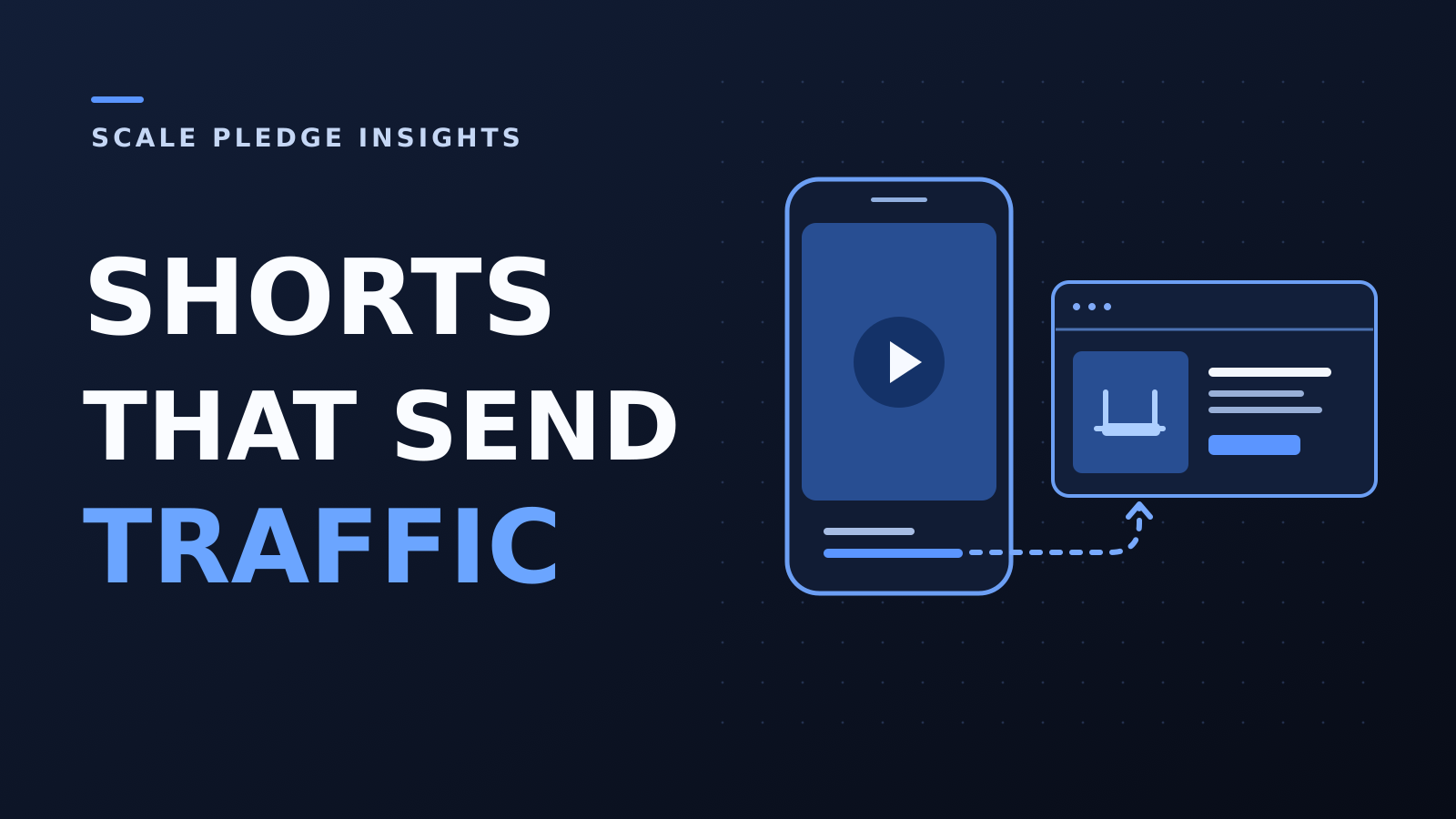
Already sponsoring a full video? Ask the creator to set it as the Short’s Related Video. The clickable link appears below the channel handle. It goes to a video on the creator’s own channel, not your website. The creator needs advanced feature access, and the video can be public or unlisted. Put the trackable campaign URL in that long-form video’s description and test that link too. YouTube’s Related Video setup
For example, say you sell a Wi-Fi router. The Short shows a quick dead-zone test. The related video runs the full test and explains what changed. The link under that video takes viewers to the exact router. “Tap the full test below my name” tells them where to go without making them memorize a URL.
Only buying the Short? A channel profile link is clickable, too. Ask whether the creator can give your campaign a clearly named slot for the agreed period. Then say “Open my profile and tap ‘Router test’,” or whatever the link is actually called. Don’t say “link in bio” if the viewer will have to choose between seven links named some version of “my stuff.”
Count what the route tells you
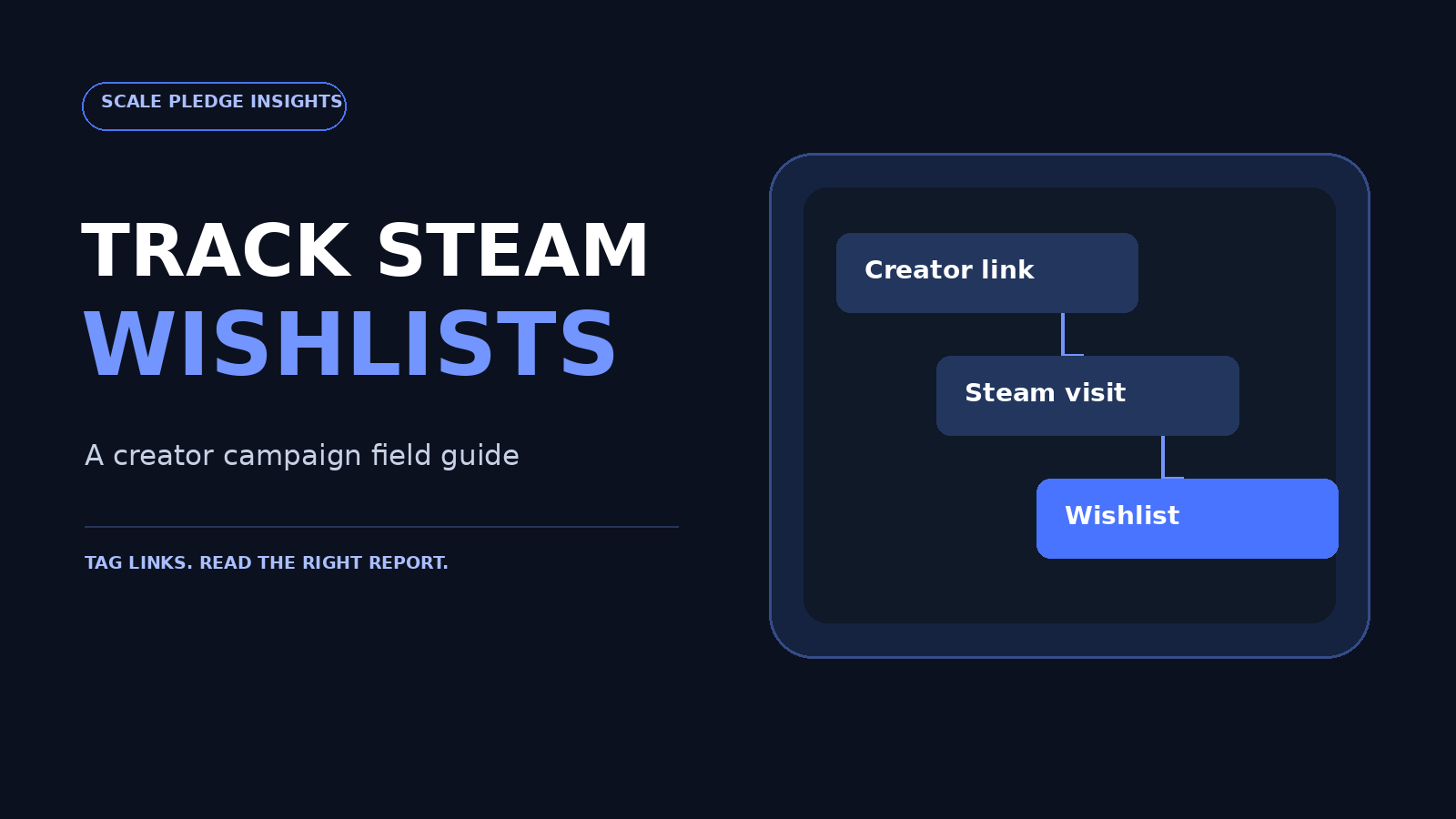
Use a different tagged destination for the long-video description and the channel profile if you use both. Record one outcome you care about, like trial signups. The tags tell you which link brought the visits you recorded. If someone opens the full video from search and uses its description link, those same tags don’t prove they watched the Short first. Report the visits as coming through the full video’s link. Google Analytics guide to campaign URLs
Before it goes live, open the Short on your phone as a viewer. Follow what the creator says, tap every step, and check that you land on the right page. If the team can’t complete the path, don’t book the Short as a traffic placement yet.