You paid for a creator campaign. The video went live. The views look good.
But then someone asks, “Did it actually bring us customers?” And suddenly everyone is staring at the report like it owes them money.
Good tracking starts before the content goes live. Here’s a practical way to set it up without pretending one number tells the whole story.
1. Decide what you want the campaign to do
Before you pick metrics, pick the outcome. Are you trying to get more people to know your brand, visit a landing page, book a demo, or purchase a product?
Match the main metric to that goal. Views may help you understand reach, while demo bookings or purchases are closer to a conversion goal. Keep supporting numbers too, but don’t treat every view as a customer.
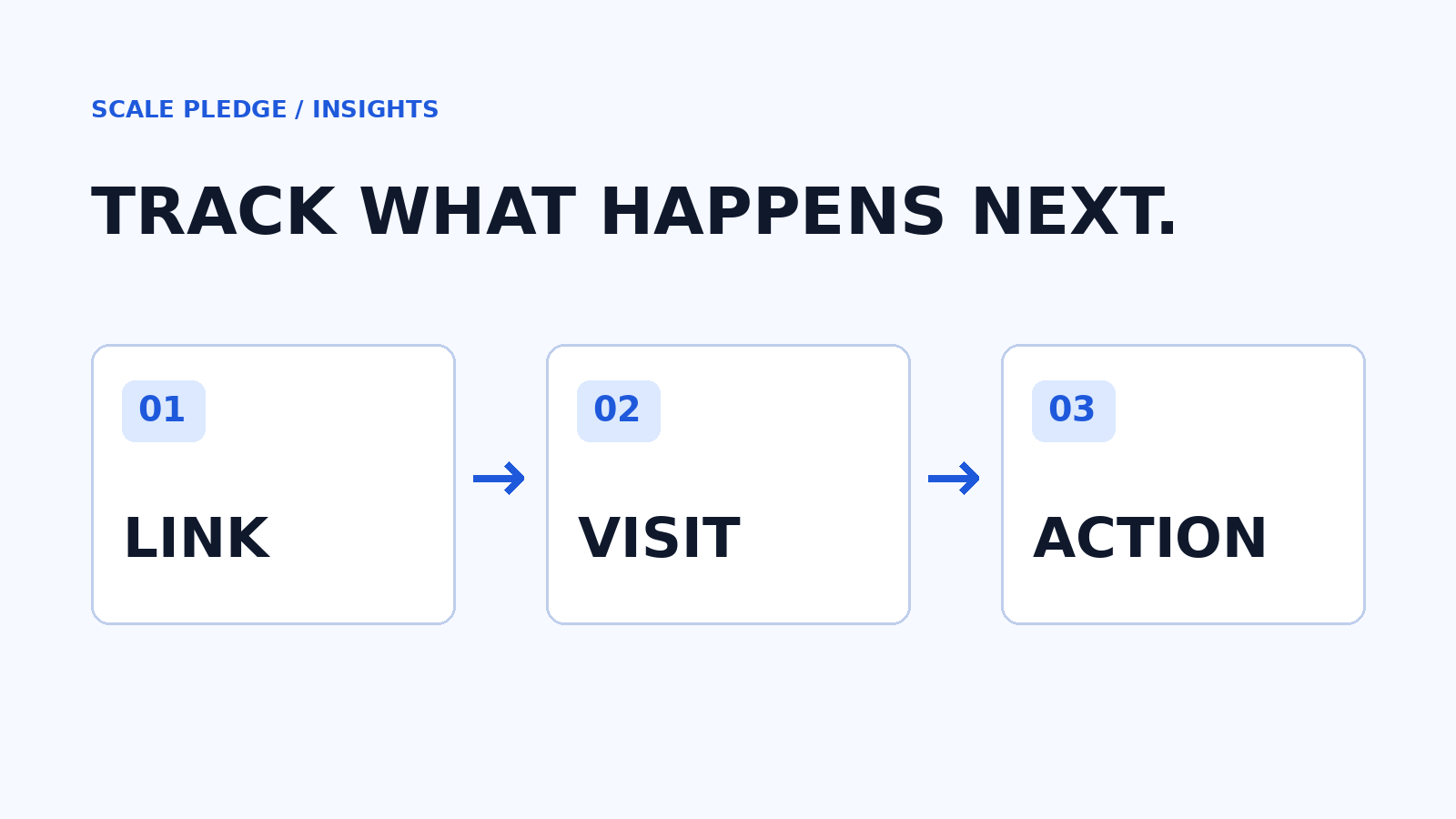
2. Give each creator a trackable link
A UTM is a short label added to a URL. It helps your analytics tool identify where a visit came from. For example, you can label the platform, the campaign, and the specific creator or placement.
Google explains how to build tagged URLs and find the data in its campaign URL guide. Use a consistent naming system so the same campaign doesn’t get split across different spellings. Google recommends setting the relevant parameters, including source, medium, campaign, campaign ID, and source platform, where applicable.
Before sending a link to a creator, click it yourself. Make sure it lands on the right page and that your analytics setup records the visit as expected.
3. Track the action after the click
A click is useful, but it isn’t the finish line. Decide what action matters next: a signup, a demo request, or a purchase. Make sure your team has a way to record it before the campaign launches.
Keep the campaign costs alongside the results. That can include creator fees and other costs your team wants included in the comparison. Then calculate cost per tracked action: total included campaign cost divided by the number of tracked actions. Be clear about which costs and actions you used.
4. Don’t mistake tracked results for the whole picture
Not everyone clicks a creator’s link and buys immediately. Someone might see the content, search for your brand later, and return through another route. A tracked link can show visits carrying its tags; it cannot by itself capture every person influenced by the campaign or prove that every tracked conversion was caused by it.
Discount codes, customer surveys, and conversations with sales can provide additional context. They have limitations too. Keep the methods separate rather than adding their totals together as though they represent different customers.
5. Review the campaign while the details are fresh
After the content goes live, collect the agreed deliverable links and review the results against the goal you chose. Note what you can verify, what you can’t, and what you want to test next time.
A simple report is enough to start: creator, content link, spend, agreed deliverables, views, tagged visits, and the actions you can actually track. Add context before deciding whether to repeat a partnership.
The goal isn’t to make a spreadsheet look impressive. It’s to give your team a clearer picture of what happened and a better starting point for the next campaign.
Source: Google Analytics: Traffic-source dimensions and manual tagging.